
Question

Project Place is not showing up in the Top left Product Switcher

  • June 15, 2026
  • 7 replies
  • 26 views

Forum|alt.badge.img+2

My Organization has active ProjectPlace access. However, ProjectPlace does not appear under Products in Planview Admin nor in the Planview.Me application switcher. Is there a supported way to register ProjectPlace as a product within Planview.Me so it appears alongside Portfolios in the navigation experience?


We currently see Planview.Me, Planview.Me Labs, Portfolios and Planview Admin through the product switcher. Is there a supported way to expose all licensed products (including ProjectPlace ) directly in the top navigation ribbon rather than the application switcher?

From where i can activae or add Project Place here, My org do have PP tenant and provisioned to my account . 
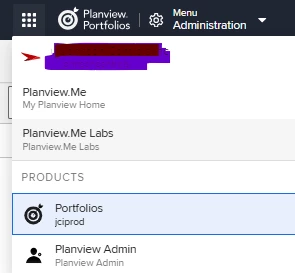
Just a silly thought, can we showup all the products horizontally on Black ribbon followed by Menu, rather showing up here in the Product switcher.


7 replies

Forum|alt.badge.img+2
  • Author
  • Silver Innovator
  • June 16, 2026

Hi ​@pamela.sargent  ​@anviblackbelt ​@ShaneDodge Any input would be appreciated


anviblackbelt
Planview Falcons
Forum|alt.badge.img
  • Planview Falcons
  • June 16, 2026

@PiyushS You may have mentioned me by mistake. I am not an expert in ProjectPlace and planview admin. Did you check the CSC? or enter a support ticket?


Forum|alt.badge.img+2
  • Author
  • Silver Innovator
  • June 16, 2026

Hi ​@anviblackbelt .

I kind of saw the list of “More helpful, member” hence mentioned you.

I am looking out the answer on my ask so if you could guide me how do i get the correct answer.

Guess i need to raise a ticket


pamela.sargent
Gold Knowledge Guru
Forum|alt.badge.img+7

Hello ​@PiyushS, 2 questions:

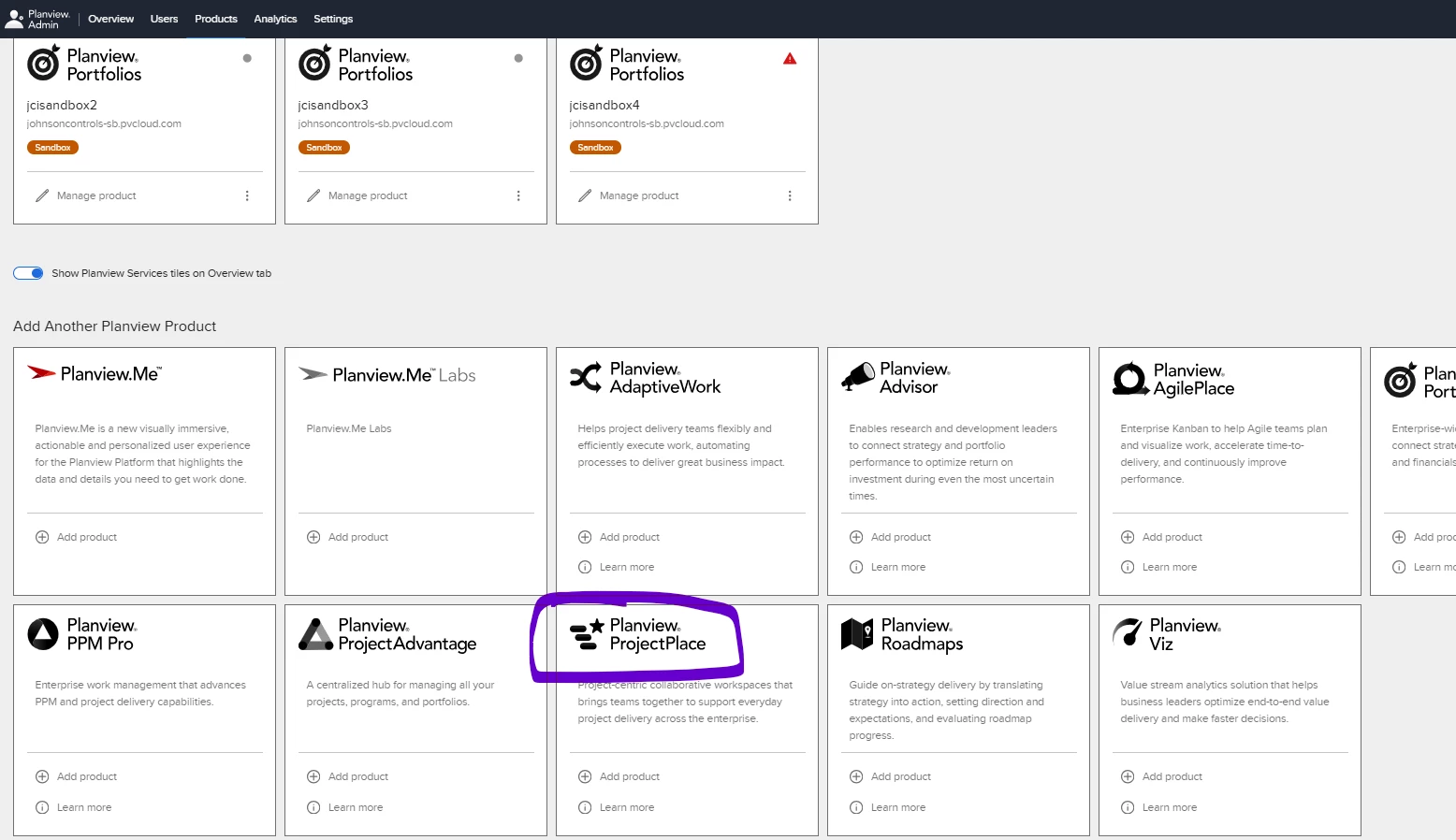
  1. In your Planview Admin do you have ProjectPlace added to your list of Products? So clicking on Products it is listed in the top section under “Our Products”. 
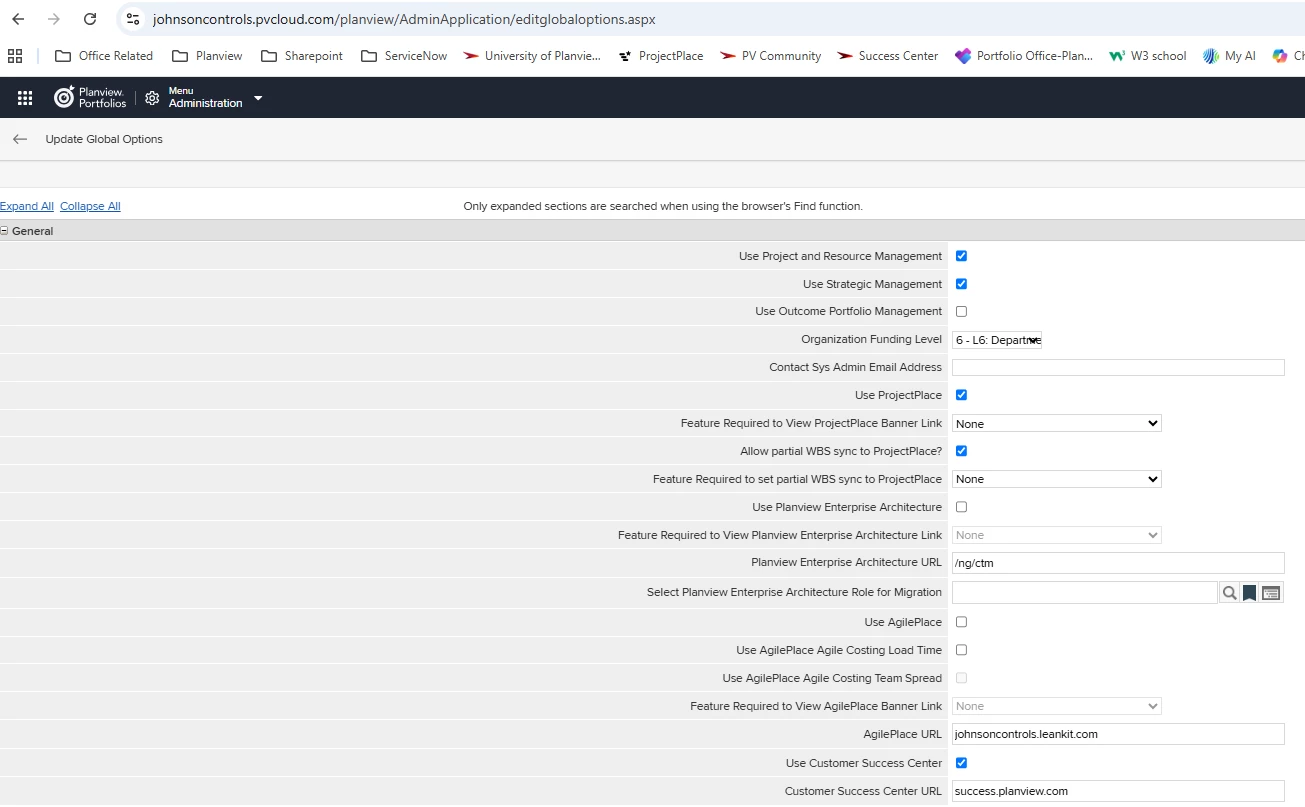
  2. Within Portfolios > Global Options do you have the box checked to “Use ProjectPlace”?  This used to control the product switcher before PV Admin was implemented, not 100% sure on impact now but in our environment we do have this checked and we see it in the product switcher.


Thanks,

Pam


Forum|alt.badge.img+2
  • Author
  • Silver Innovator
  • June 17, 2026

Hi ​@pamela.sargent 

Below are my findings on your questions

In Portfolios > Global Options, the “Use ProjectPlace” option is enabled.
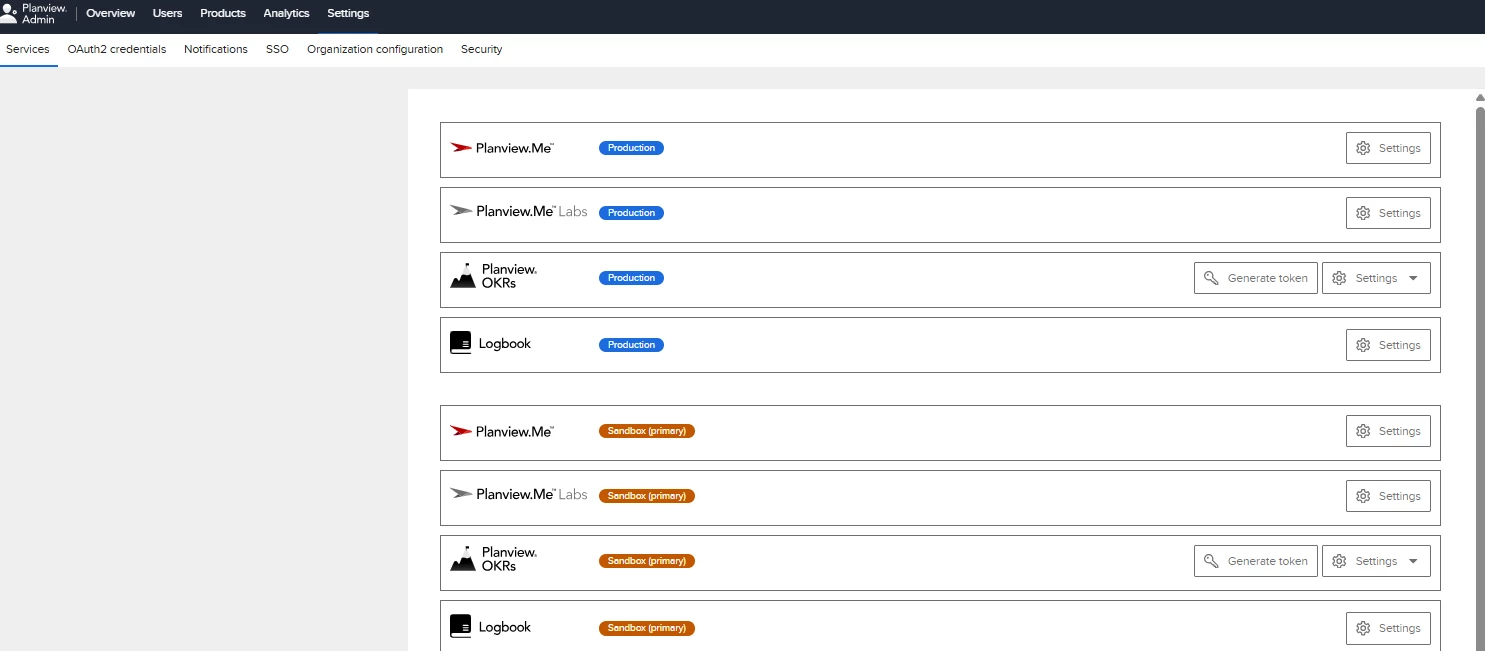
However, in Planview Admin > Products, I do not see ProjectPlace listed among the available products. I only see Planview.Me, Planview.Me Labs, OKRs, Logbook, Portfolios and Planview Admin in the switcher.

I do have an active ProjectPlace account and can access ProjectPlace directly, but it does not appear in the Product Switcher.

I’ve attached screenshots of:

Global Options showing “Use ProjectPlace” enabled
Product Switcher contents
Planview Admin > Products

Does this indicate that ProjectPlace has not been linked/registered with our Planview Admin organization, or is there an additional provisioning step required to make it appear in the Product Switcher?


Forum|alt.badge.img+2
  • Author
  • Silver Innovator
  • June 17, 2026

Hi ​@pamela.sargent ,

I did some additional testing.

The “Use ProjectPlace” option is enabled in Global Options.

I also went to Planview Admin > Products and attempted to add ProjectPlace manually using our ProjectPlace URL. However, I received the following error:

“There was an error connecting with the product. You are not an administrator of this product. Please update your product access to administrator before connecting.”

This suggests that my account has access to ProjectPlace but may not have ProjectPlace administrator privileges required to register/link the product in Planview Admin.

Would this explain why ProjectPlace does not appear in the Product Switcher? If so, would a ProjectPlace administrator need to perform the product registration/linking, or is there another configuration step required?


pamela.sargent
Gold Knowledge Guru
Forum|alt.badge.img+7
  • Gold Knowledge Guru
  • June 17, 2026

@PiyushS yes that would be the reason you do not see it. You need to have an admin add it as one of your products then it should become available in the switcher. (I believe but I’m definitely not a PV Falcon 😉)