
















Recently active
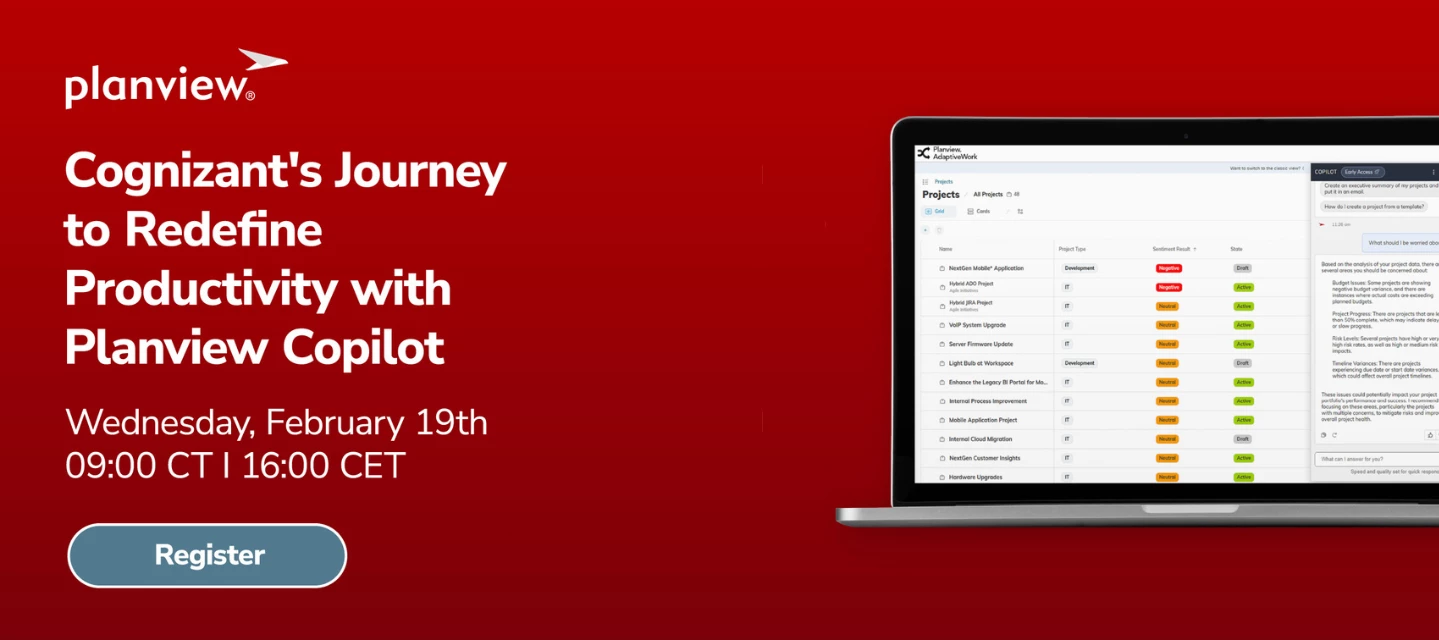
If you’re interested in Planview Copilot, our upcoming webinar may be of interest to you! Join us to explore how Cognizant is leveraging the power of AI to transform business operations. In this session, you will learn how Cognizant is leveraging Copilot’s AI on AdaptiveWork for:Reshaping workflows Empowering teams Unlocking new levels of efficiencyWhether you're exploring AI’s potential or ready to implement smarter solutions, we recommend joining this webinar for actionable knowledge to help your organization thrive in the age of innovation. Use the registration link below to register for the webinar:https://info.planview.com/gcc-Cognizant-Journey-with-Planview-Copilot-_webinar_prm_en_reg.html
Hello, for our resource forecasting we’ve been requesting/assigning Placeholder (i.e $Config) resources prior to assigning to a specific resource. Since they are a Placeholder and don’t have actual Capacity, we’ve zeroed out their capacity via the Placeholder’s calendar. However, now we cannot request/assign the Placeholder because AW processes it as an actual user with no availability. The reason we zeroed out the Placeholder resource’s capacity is because it was skewing the metrics in capacity planning, making it look like we had additional team member availability/capacity when it was really just a placeholder. Does anyone have advice on how to request/assign a Placeholder resource without a Placeholder’s capacity getting counted into Capacity Planning?
Hello!Does anyone have a best practice for adding future new hires that are not yet in the HR system? I.e. Nicole Smith doesn’t start with our organization until February 1st, but she won’t be in Planview until her start date. We want to capture her allocation somewhere since we know she will be assigned and there is no longer a vacancy.
Hello,Could anyone offer advice on how to use the value in the Target Utilization field on a User record to filter or create a calculated fields in a report?I want to create a reports to include users whose total assignments are less than Target Utilization. I have created a report (with Planview PS help) that shows all users, their total assignments, and their Target Utilization, but I can’t create the right filter to exclude users where Target Utilization is less than the total assignments. The only option in the filters options for Target Utilization is to enter a single value, but that does not work because each of our users has a different Target Utilization.Below are some details on the report we have configured.Report on: User > Capacity Time Phase Data (Monthly) > Labor Time Phase Data (Monthly) Leading columns: Grouping: <User>.ItemID, Target Utilization Crosstab columns: Capacity, Task Assignment, Planned Utilization% (calculated field showing the value of Task As
If you add a person(s) as a Resource Manager (not a direct manager) of a user group, is there a way to access these user groups from Resource Load, Groups I manage? At present we have Resource Managers allocated to User Groups but they don't come up in the Resource Load when selecting Groups I manage and so the group has to be manually added from the ‘Add Group’ button
We often have batches of 20+ quick turn Projects with identical specs: Same client, due dates, same estimate times, same resources, etc. The only thing changing is the name of the project. A pain point in our department is adding these projects to AdaptiveWork. A project manager has to add these one by one, and define the dates, est. time, etc., per project. This very inefficient and causes a significant strain on our staff, as it’s time consuming. Is there any way to create batches of projects? Thanks,Cj
Hi, Within Planview Portfolios we have an attribute Expense Cost Type that is tied to the Financial Account “Expense”. Expense Cost Type has the following values:Hardware Marketing Ongoing Expenses Other One Tine Expenses Professional Services (Exp) Research & Development Software (Licensing) Training Travel. Our issue is that we can only have one of each category per work entity within the Financial Plan. We have projects where there are multiple “Professional Services (Exp)” contracts. We would like to keep the information distinct for each contact vs. having to roll-up the cost into one Expense under “Professional Services (Exp)”. We looked at using “Expenditure Type”. It does allow us to create multiple “Professional Services (Exp)” and thereby keep the contract cost information distinct. Yet when we load the multiple “Expenditure Type” values into the Financial Plan they are summarized into one line.Short of adding additional attribute values Expense Cost Type is there anot
I would like to submit the need to include the type casting formulas in reports the way we can do them in custom fields. If we could include them in the reports, we could speed the system up by not needing so many calculated custom fields
I created a field which references user groups, and I want the field selection prompt to only allow selecting existing options, and to completely hide the “New” tab that always appears. How can I do this?
As we are redesigning the WorkPlan experience in AdaptiveWork, we wanted to gather some inputs from you.In this session we will:Focus on the various facets of WorkPlan in AdaptiveWork Have dedicated discussions about each of these elements in WorkPlan Speak to our ongoing development plans in this area for the futureWe recommend everyone joining the session be familiar with Project Planning and the general concepts of WBS (Work Breakdown Structure), Gantt Charts, Dependencies and Constraints, and how they impact your organization so that you can make the most from the Inner Circle. These discussions will help us share and prioritize the WorkPlan design/development roadmap and keep you updated about our progress.Use the registration link below to join the session that better fits your time zone. Americas - https://info.planview.com/AdaptiveWork_WorkPlan_Americas-_user-group_prm_en_reg.htmlEMEA - https://info.planview.com/AdaptiveWork_WorkPlan_Europe-_user-group_prm_en_reg.html
To achieve some PS forecasting, we were wanting to make a custom field that would take the Time Phase Data of Staffing Requests + Project Assignments for a Project and multiply the Sum of the Hours with a calculated dollar value. We are not seeing a way to sum both Staffing Requests and Project Assignments in a Custom Field. Any advice on how we can achieve this?
Hi Planview Community! As mentioned before, we are trying to work with the Objectives, Target and Contributions module in AW. It’s proving to be a bit tricky! So, I wanted to ask if any of you use it, and if so, do you report from it? How? We tried creating some reports, but failed magnifincelty. We looked for the data model, but it doesn’t seem to include them. Does anyone know if there is an updated version of the data model that includes them?Thanks a lot!
I want to send email to assigned resources if task is yet Active and due date is in 2 days from today.I tried to create a scheduled workflow rule but it did not trigger email.can anyone share the sample condition and on which object it should be created?
I want to present a yes/no question and then have another question show up depending on their selection of yes or no
Hi Community,I hope you're doing well.I'm wondering if anyone has experience working with the Document Publisher App and could help me with an issue related to entity relationships.I'm trying to build a report for a project, and I need to retrieve data about its milestones while applying filters based on attributes of the resources associated with these milestones. To achieve this, I need to relate three entities, but I'm unsure how to proceed.Does anyone know how to approach this? Any guidance would be greatly appreciated.Thanks in advance!Best regards,
Hello!Desperate need of help. I created an org calendar based upon our 2025 financial budget to account for planned PTO as we are not utilizing actual PTO/timesheets. It ruined all of our projects that had previous resource allocations, and changed everything… I’m talking 500+ projects and thousands of resources. Is there a way to undo what I did, or restore the allocations?
Hello community,We hope everyone is doing well.We have a concern regarding a situation that arises when importing schedules from MS Project to Adaptive Work.In PV Portfolios, it is possible to import a project schedule from MS Project while specifying how it should be imported. This allows us to avoid relationships between predecessor and successor activities, restrictions, flags, and resource assignments.We would like to know if there is a similar functionality in Adaptive Work to prevent dates from appearing as “user-defined” when importing from MS Project. We require this because having date restrictions prevents the system from automatically calculating durations and dates. Consequently, we need to manually remove each restriction to enable proper planning.¿How do you usually handle this issue with the restrictions in Adaptive Work? Best regards,Oscar Suarez
Hi there!We have been creating reports and dashboards, and noticed that for some graphs, you can hover over the Project name and get a Summary card displayed. We like that, as it provides complementary information to the data on display. However, the summary card layout is the same anywhere you are looking at it.For example: we are now focused on financial dashboards, so it’s valuable to add to the summary card information related to the Project Budget, Actual Cost, Forecast. However, if we are looking at a demand dashboard, such information wouldn’t be that valuable. Is there a way to create a dynamic layout for summary cards? Maybe add a rule to make it contextual? Thanks! Maca
Does anyone have any experience with creating a report in AdaptiveWork to roll up Action Items that are nested and attached to children work items. For example we have a program and are trying to create a report to aggregate any action item that is attached to any Project, Milestone or task nested under the program. We would also like to do the same type of report for Risks, Issues and Decisions as well eventually.
Hello, I’m trying to add Skill to an email notification via the Staffing Request. How do I link Skills so that it can be added to the email body as Tostring? Thanks and regards,J
I have a custom object named SKU. At project level different team members will be adding values to relevant columns to this object at each milestone. Then they will mark task as complete and next milestone will be created.in this SKU how to add reference project name?workflow to be defined at project level or On SKU object directly?My project name should automatically be populated in SKU object when new row is created on SKU.
Hi all,I’m hoping to get some assistance with data loader. I’m trying to add members to existing groups and using update to add the members. However, it keeps saying that the field Member is not updateable using the item type: GroupMembershipLink. Can someone advice which item type I should use if this is not the correct one. There is more than one member per group separated by commas.Thank you :) Jess
Hi All, I have received below query from one of my super user ,any help will be greatly appreciated :“Some of the PMs have put constrained start and end dates on task that I've asked them to remove so activities are properly scheduled. To remove the constraint, they need to use 'Restore'. Can they do a 'restore' for multiple tasks or do they have to do that for the start and end dates individually?”
I need to create custom action to delete current milestone and set the previous milestone as current one. Has anyone tried and can help?i do not want to use the inbuilt delete button in ribbon. In that profile we do not give delete option in ribbon.
Actualmente desde el módulo financiero en la sección de recursos laborales permite manejar 2 tipos de costos, los Costos planificados y los Cosos reales, surgió la necesidad de agregar un nuevo tipo y son los costo facturados, dado que el costo real es la operación de los registros de lo partes de horas po usuario multiplicado por la tarifa, pero necesito identificar el costo facturado resultante de la operación de las horas facturadas por mes por usuario multiplicado por la tarifa.
Share the link below and earn community points.
Already have an account? Login
No account yet? Create an account
Enter your E-mail address. We'll send you an e-mail with instructions to reset your password.